

Before you start
- You must be the ClearPolicy organization owner to manage Planning Center sync.
- Use a Planning Center account with access to the lists and people you need.
- Sync requires an active ClearPolicy trial or subscription.
- Review the target group’s Automatic request emails setting. Adding people through sync can create eligible signature requests. The email follows within a minute.
Connect a list
- Open Settings → Integrations → Planning Center.
- Click Connect, sign in, and approve the requested list and people access.
- Open the sync settings and choose a Planning Center list.
- Choose an existing ClearPolicy group, or let ClearPolicy use the list name for the group.
- Click Add List, then Save changes.
- Check the sync status and the group’s People tab after the sync runs.
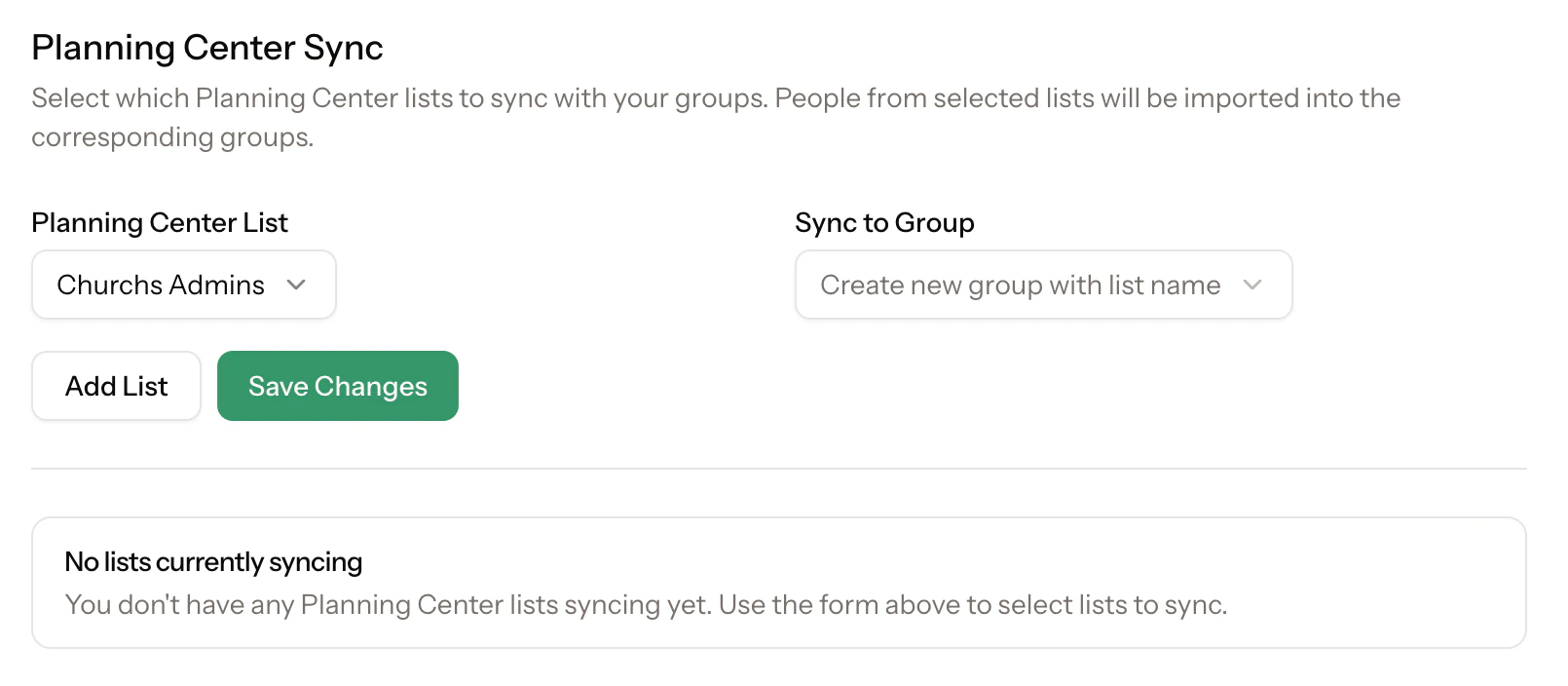
Choose a Planning Center list and the ClearPolicy group it should populate.
What gets synced
ClearPolicy brings in names, email addresses, available phone numbers, and membership in the connected group. People without an email are skipped. Existing people are matched by email within your organization, and their details can be updated from Planning Center. Sync adds people to the connected group. It does not automatically archive people or remove group membership when someone disappears from a Planning Center list. Review departures in ClearPolicy and archive people when appropriate.Send documents to the group
Add documents to the group and choose your sending approach:- With Automatic request emails on, new eligible signature assignments can send requests when people or documents are added.
- With it off, use Send missing when you are ready.
- Documents Available to read become accessible through group membership without request emails.
Manage existing syncs
Use the sync settings to review status and last sync time. Sync Now requests another sync. Remove a sync to stop future updates from that connection; this does not delete the people or group already in ClearPolicy.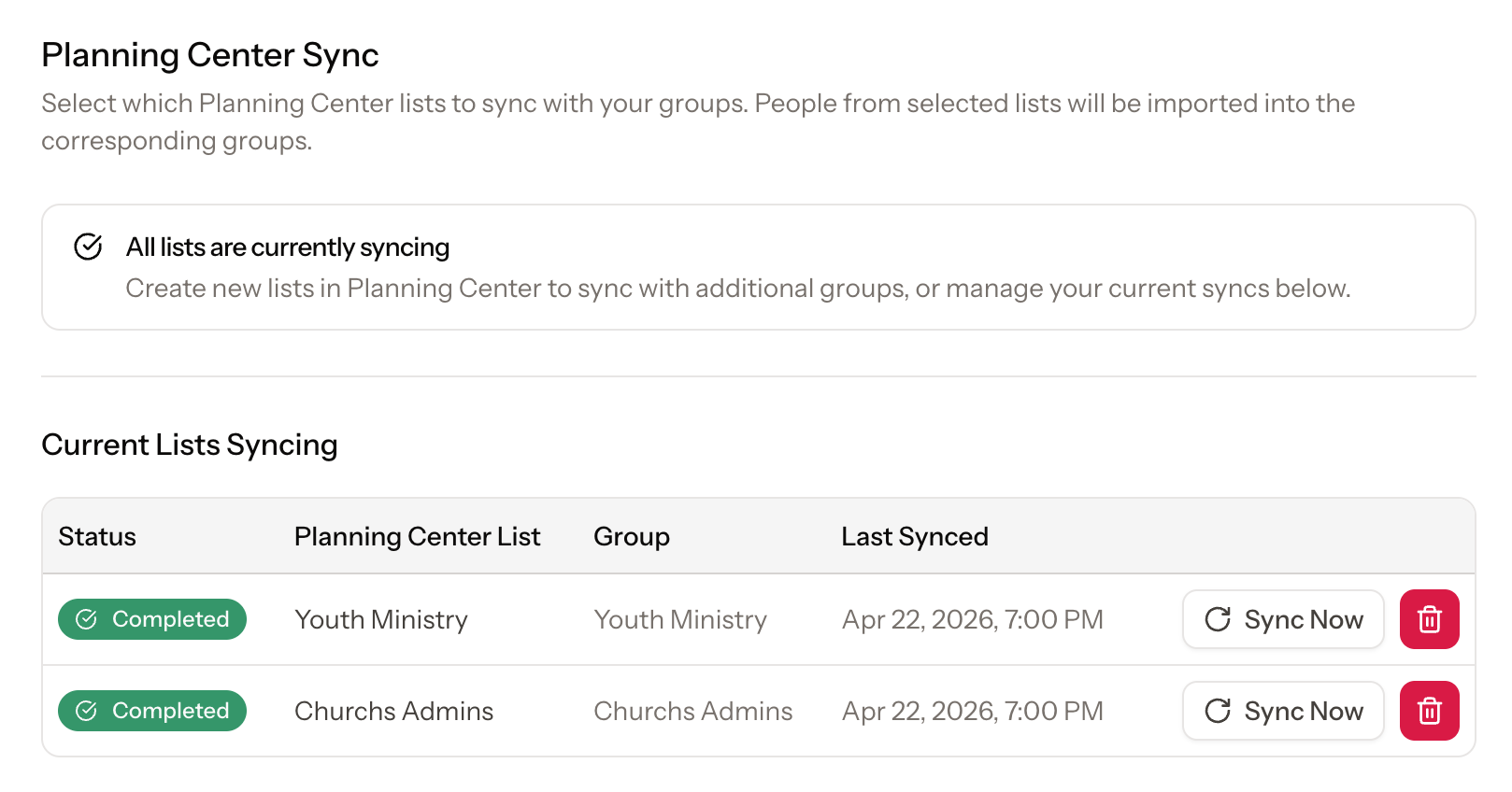
Review connected lists, status, and the last sync time.
Troubleshooting
- I cannot manage sync: ask the organization owner.
- The connection needs authorization: reconnect Planning Center under Integrations and approve list access.
- A person is missing: check that they are in the source list and have an email address.
- A list or group is unavailable to select: check existing mappings; it may already be connected.
- No requests were sent: check that the group has automatic emails on, the document is published and requires a signature, and the assignment is newly active. Use Send missing for existing gaps.